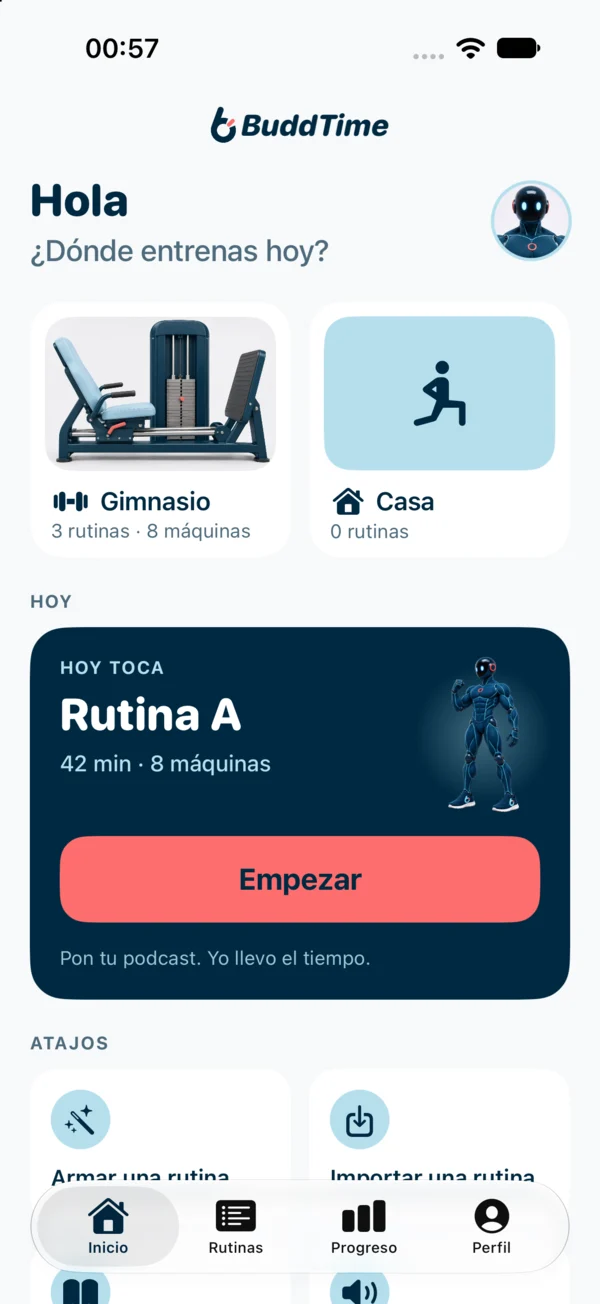
I keep time. You do your thing.
I guide you by voice, set by set, without cutting your podcast, your music or your study. Your iPhone stays in your pocket.
For iPhone. Starts with a free trial.
Counting reps and checking the clock?
Between sets you pull out your phone, pause the podcast, lose count and rest drags on. In the end, an hour feels like half.
Everything in seconds
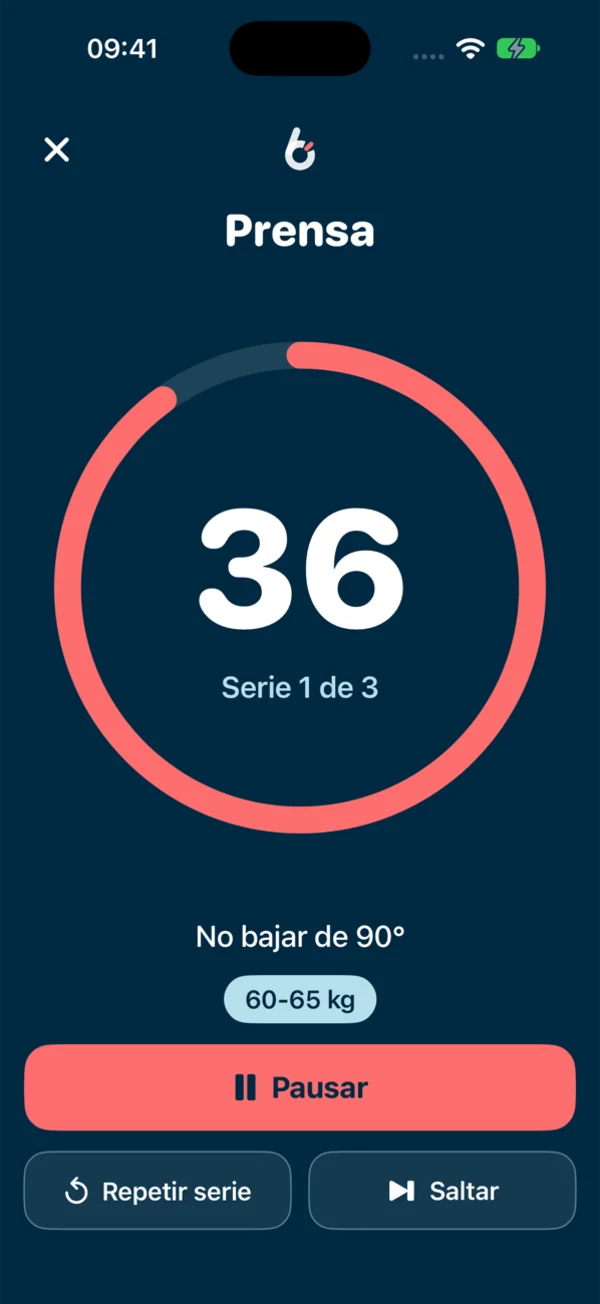
Every set lasts what your routine says: 40 seconds is 40 seconds. No counting, no cheating.
Your audio keeps going
The voice speaks over your podcast or music: it dips it for a moment and brings it right back.
Locked, in your pocket
Your routine runs with the screen off. Pause, skip or mark done from the Lock Screen.
This is what training with me sounds like.
Put on your music or podcast and tap a cue. In the app you hear your iPhone's voice; here, your browser's.
When Budd speaks, iOS dips your audio for a moment and brings it back. Nothing pauses, you never lose the thread.
Three steps, then train.
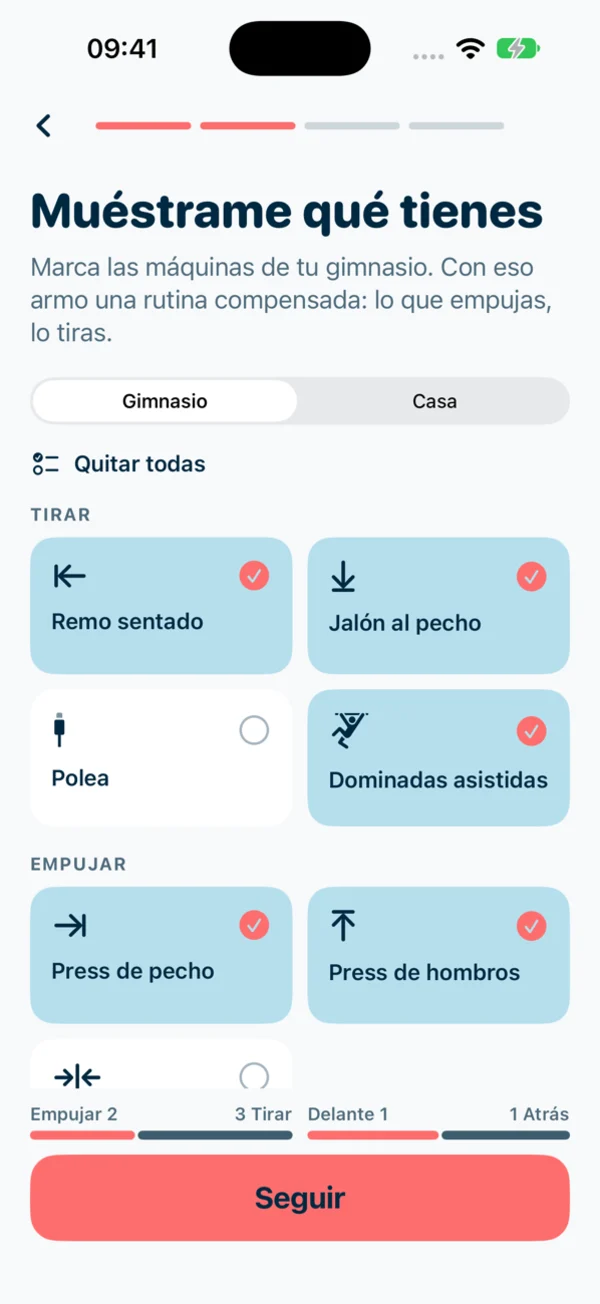
Show me what you've got
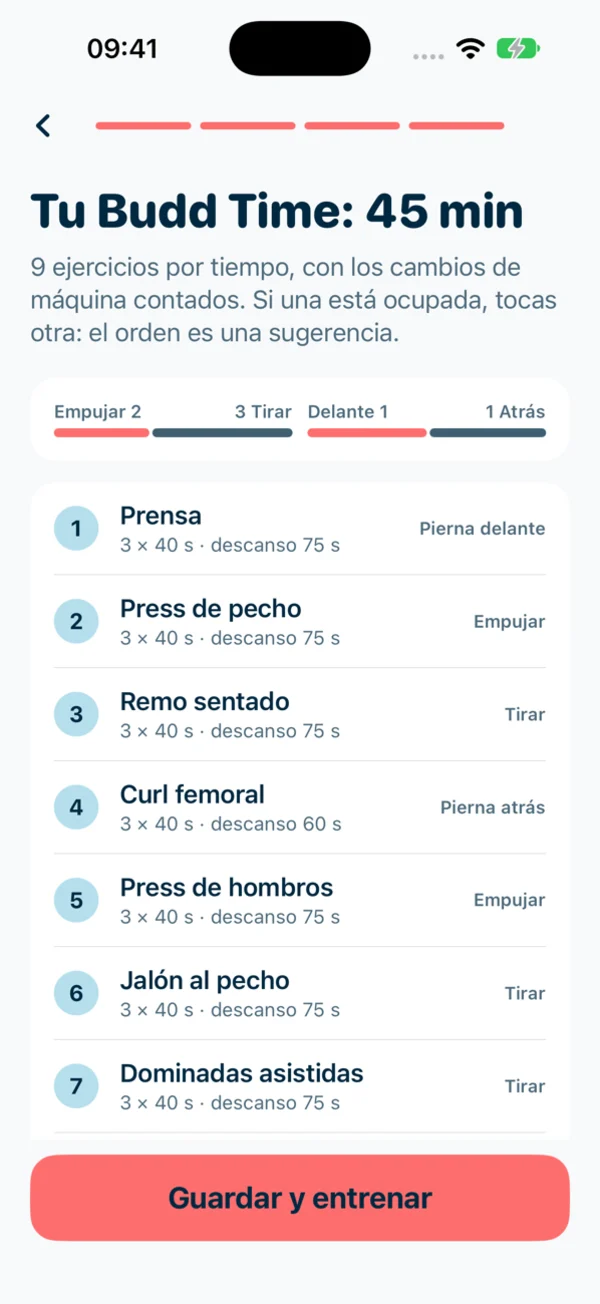
Tick the machines at your gym or what you have at home. I build a balanced routine: what you push, you pull.
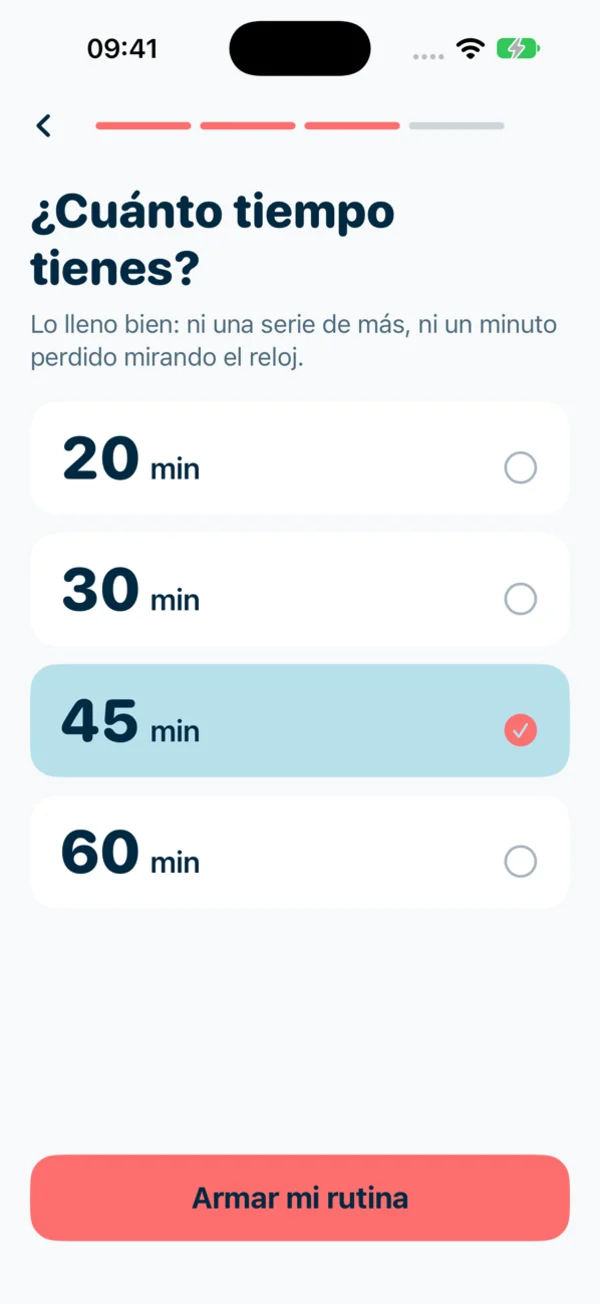
How much time do you have?
20, 30, 45 or 60 minutes. I fill it right: not one extra set, not one minute lost staring at the clock.
Tap the free machine
Machines get busy at the gym. Do your routine in whatever order you can; I keep track of what's done.
Take a look.
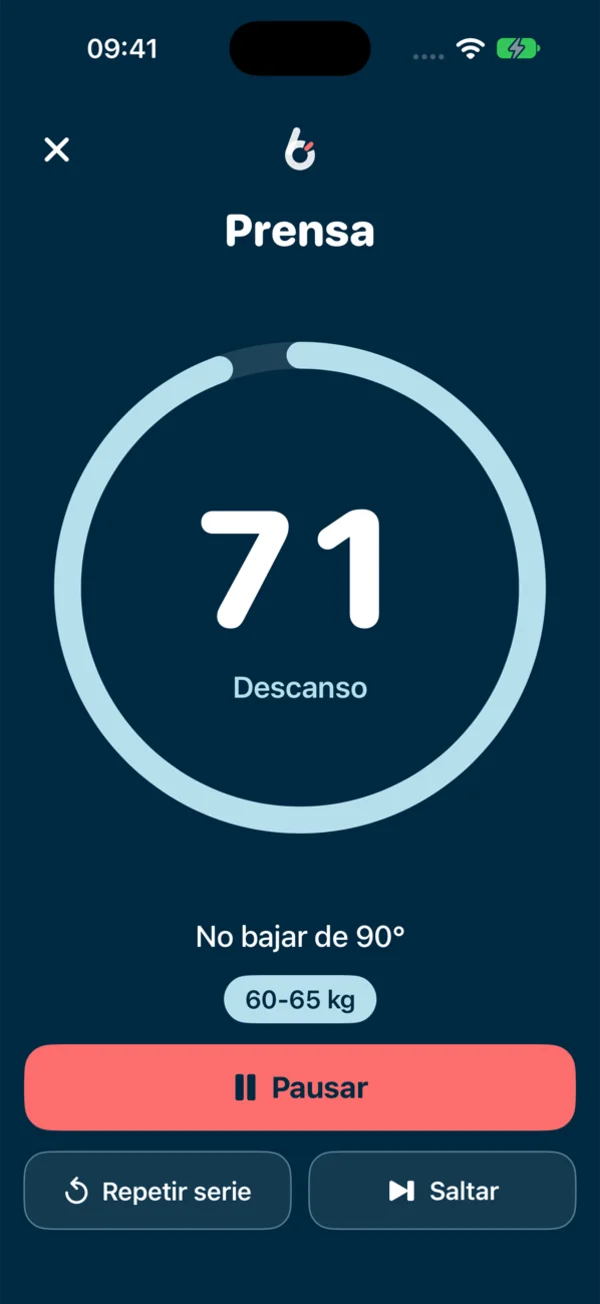
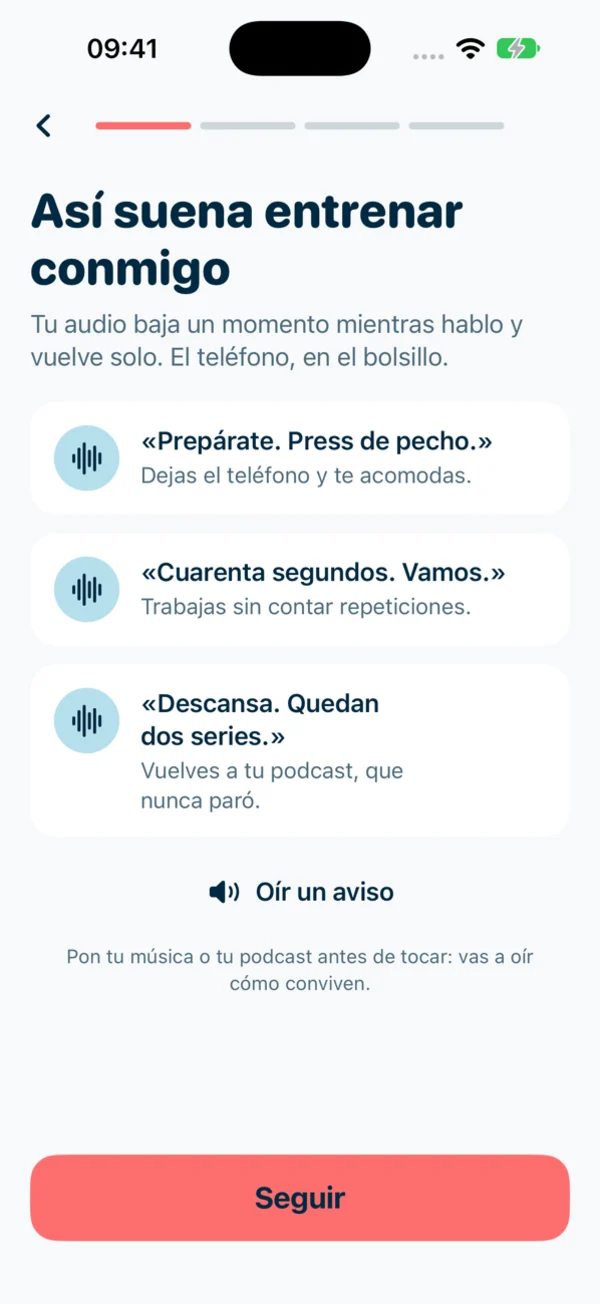
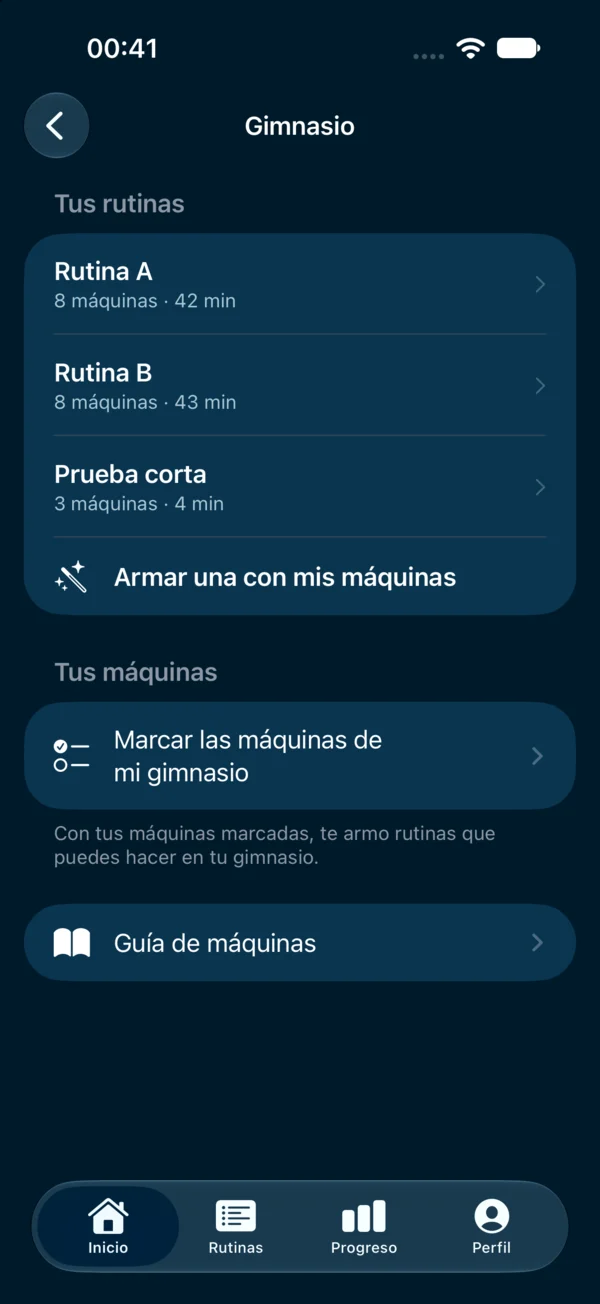
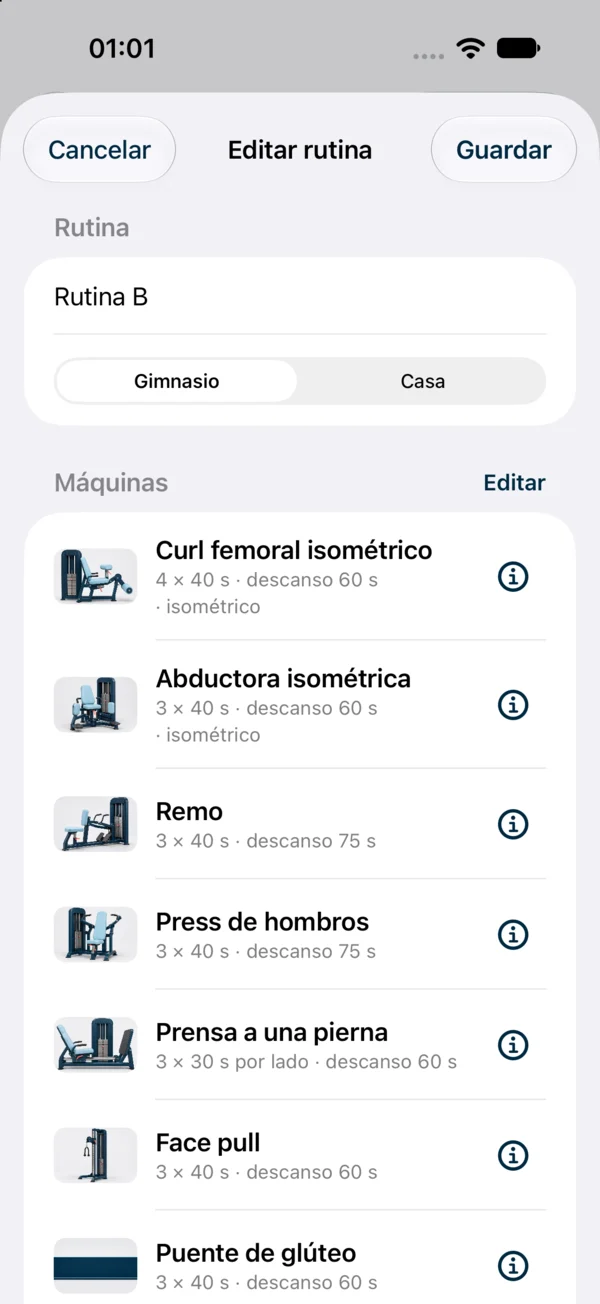
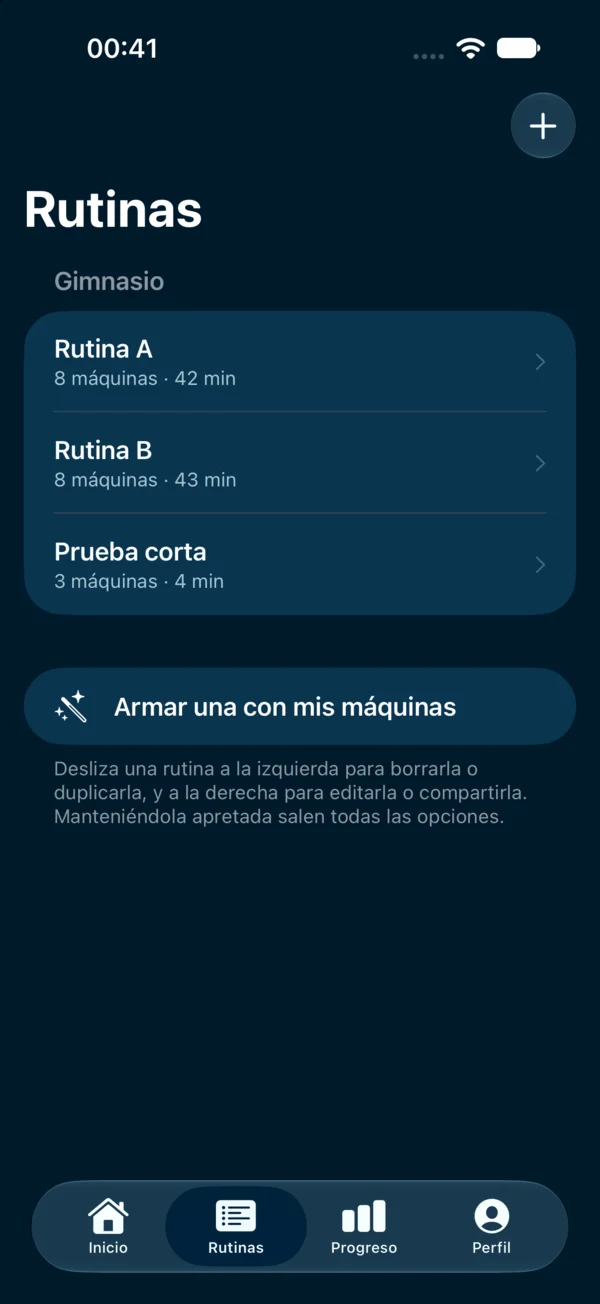
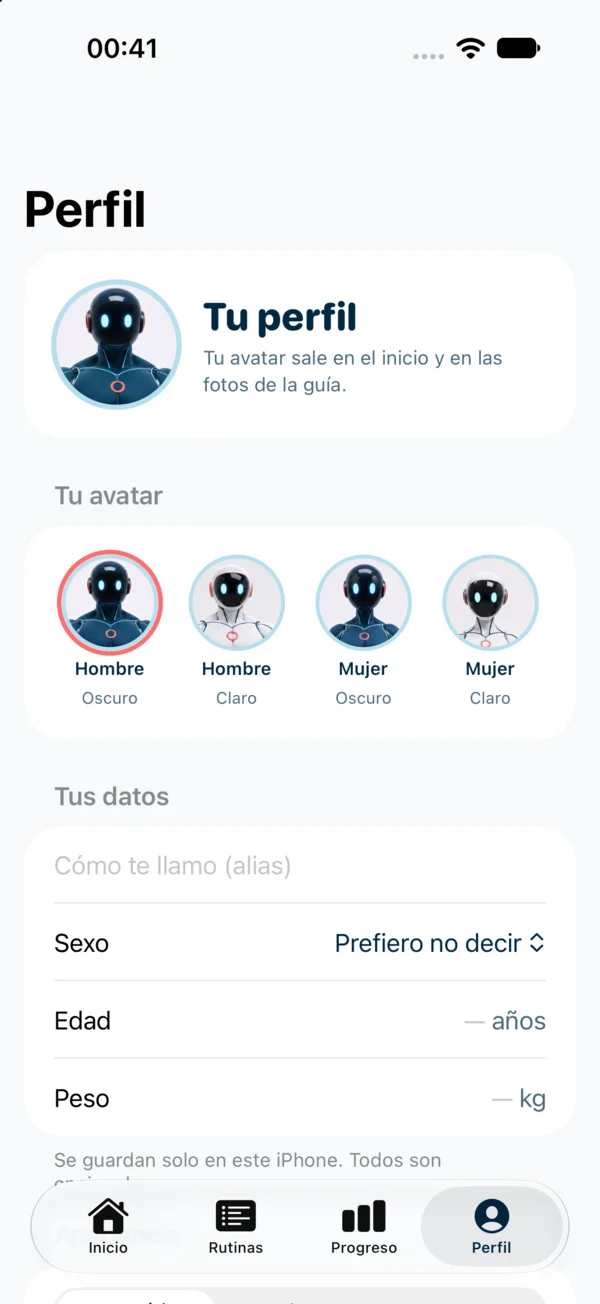
Built for the real gym floor.
Live Activity
Machine, set and time on the Lock Screen and Dynamic Island, with pause, skip and done.
Action button & Shortcuts
Pause or skip without looking: map BuddTime actions to your iPhone's Action button.
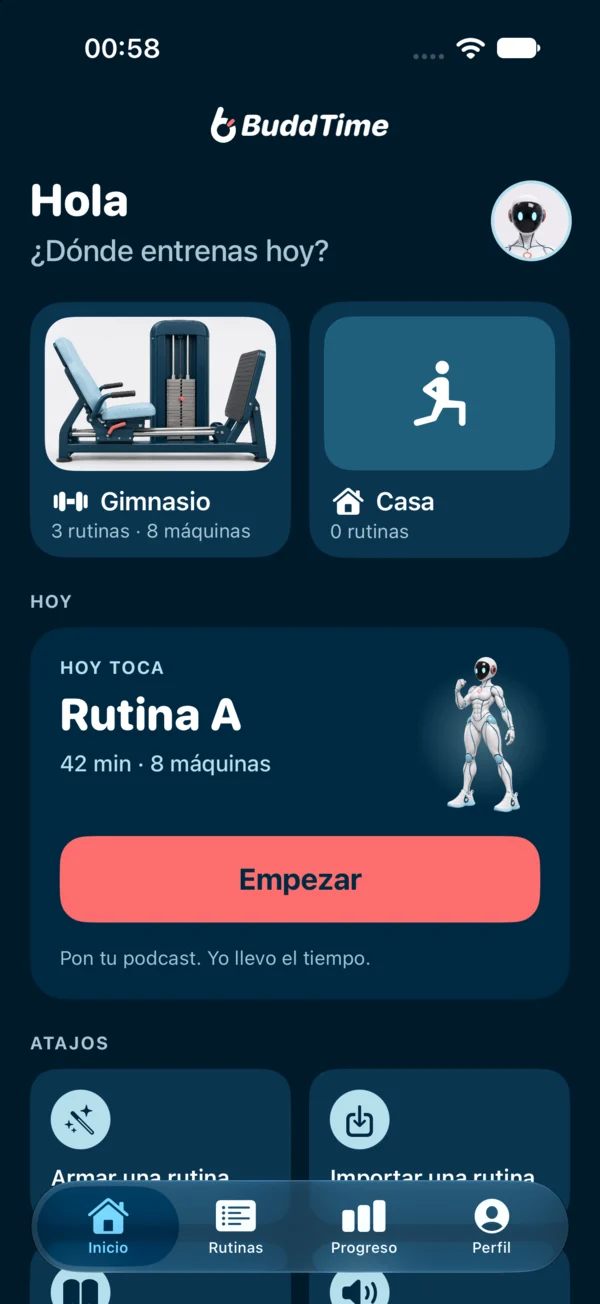
Gym and home
Routines for each place, with machines or with bands, dumbbells and bodyweight.
Guide with your avatar
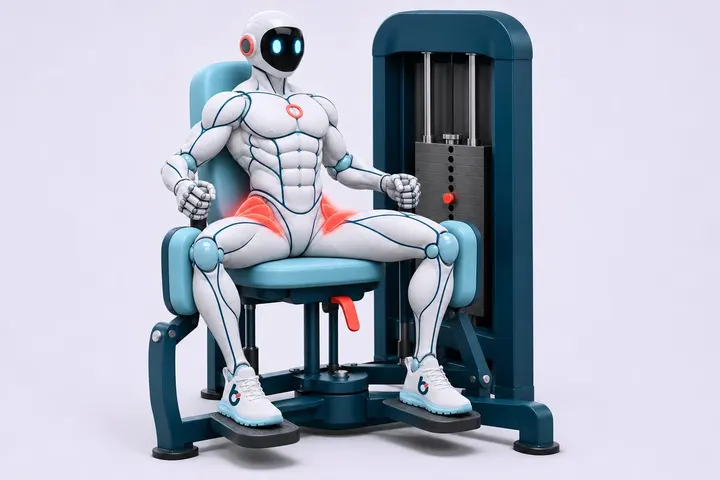
Every exercise has its ⓘ card: steps, what to watch and photos of Budd with the muscle lit up.
Per side & isometric
Single-leg sets with side switch, held planks, halfway and 10-seconds-left cues.
Your routine, from any AI
An open, simple format: ask your AI for a routine and paste it into the app.
Exportable history
Every session with its real sets and seconds. Export to CSV or JSON anytime.
Your voice, your way
Pick the system voice, its language and the volume of cues and beeps.
No account
No sign-up, no email. Your routines and profile live only on your iPhone.
Not sure how it works? Budd shows you.
75 exercises sorted by legs, push, pull, core, cardio and more. Each one in three steps, with the working muscle lit up.
Open the guide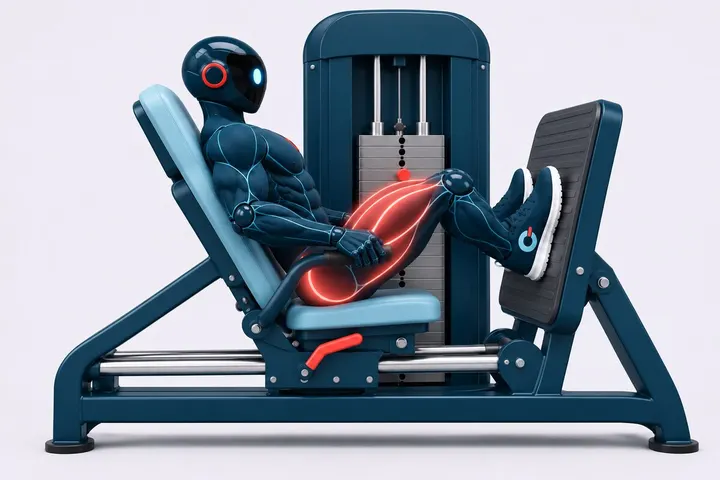
{
  "formato": "entreno/1",
  "nombre": "Rutina A",
  "lugar": "gimnasio",
  "ejercicios": [
    { "nombre": "Prensa", "trabajo": 40,
      "series": 3, "descanso": 75 },
    { "nombre": "Plancha", "modo": "isometrico",
      "trabajo": 40, "series": 3 }
  ]
}Send it over. I speak your AI's language.
Copy our prompt, paste it into ChatGPT with your routine and bring back the answer. I'll get it ready to open in the app or share with a link.
Create my routine with AIFour avatars, one training buddy.
Him or her, night blue or white. Your avatar shows up on the home screen and in the guide photos.
What people usually ask.
What is BuddTime?
BuddTime is an iPhone app by BuddTime Studio that guides gym training by time: each set lasts the seconds your routine says and a voice tells you when to start, switch and rest, without cutting your podcast or music, with your iPhone locked. It works for gym machines and home workouts.
How is it different from an interval timer?
An interval timer repeats the same block. BuddTime runs a machine routine: each machine with its own sets, times, rest and notes, in whatever order they're free, plus a guide on how to use each machine.
Does it work with Spotify, Apple Music or my podcasts?
Yes. BuddTime doesn't take over your audio: the voice mixes on top, iOS lowers the volume for a moment and restores it.
Does it keep working with my iPhone locked?
Yes. Your routine runs with the screen off, and you can pause, skip or mark done from the Live Activity on the Lock Screen.
Why seconds instead of reps?
Because then you don't count: you focus on your audio or your form and the set ends when the cue sounds. Ten slow reps are about 40 seconds.
Do I need an account?
No. No sign-up, no email. Your routines, profile and history are stored only on your iPhone.
Can I use it at home?
Yes. Tick what you have (bands, dumbbells, bodyweight) and build home routines separate from your gym ones.
How much does it cost?
You start with a free trial. We'll announce the price at launch on the App Store.
Is there an Android version?
Not for now: BuddTime is for iPhone. Meanwhile, you can use the web timer.
Your gym hour, well spent.
BuddTime is coming soon to the App Store for iPhone.